Jun 2, 2026 · 5 min read
Shopify POS vs OMNISYNC: Which Is Better for Retail in 2026?
June 2, 2026
·
6 min read
Shopify POS is the dominant choice for retailers who built their brand online first and are now expanding into physical stores. It is the natural companion to a Shopify storefront, and for good reason — inventory syncs automatically between online and in-store, orders stay unified, and you manage everything in one Shopify admin.
But what if you are primarily a brick-and-mortar retailer? Or what if you are not in the Shopify ecosystem at all? This comparison looks at Shopify POS and OMNISYNC from a retail-first perspective — not an e-commerce-first perspective.
About Shopify POS
Shopify launched its POS product to give online store owners a way to sell in physical locations without running a separate system. Today Shopify POS comes in two versions: POS Lite (included free with any Shopify plan) and POS Pro ($89/month per location). The broader Shopify plans start at $39/month for Basic.
Shopify's target market: Online-first brands expanding to physical retail. Retailers who want tight omnichannel integration between their Shopify webstore and physical locations.
Shopify POS — What You Actually Pay (2026)
| Component | Cost |
|---|---|
| Shopify Basic plan (required) | $39/month |
| POS Lite (included in Basic) | $0 |
| POS Pro (advanced retail features) | $89/month per location |
| Total for 1 location (Pro): | $128/month minimum |
| Total for 2 locations (Pro): | $217/month minimum |
| Third-party payment processor surcharge | 0.5–2% extra on every transaction |
If you do not use Shopify Payments (not available in all countries), Shopify adds a 0.5–2% surcharge on top of your payment processor's own fees. This makes the true cost significantly higher in many markets.
Shopify POS — Key Features
- Omnichannel selling: Online and in-store inventory stays in sync automatically. Buy online, pick up in store (BOPIS) and ship-from-store out of the box.
- Unified customer profiles: See a customer's full order history across online and physical purchases in one place.
- Staff accounts: Unlimited staff on POS Pro with individual performance tracking.
- Cross-location returns: Customer bought online? They can return in-store and vice versa.
- Inventory management: Track stock across locations, set reorder points, receive transfers.
- Demand forecasting: Shopify's analytics predict when to reorder based on historical sales velocity.
Where Shopify POS Falls Short for Brick-and-Mortar Retailers
1. You Must Be in the Shopify Ecosystem
Shopify POS is designed as an extension of a Shopify online store. Without a Shopify subscription, POS Pro starts at $128/month minimum (the Shopify plan + POS Pro). If you are a retail-only business with no online store — or you use WooCommerce, Wix, or your own website — Shopify POS creates redundant costs and complexity.
2. No Purchase Order System
Shopify has no native purchase order workflow. You can track stock quantities, but there is no built-in way to raise a PO to a supplier, record expected delivery dates, and have stock updated automatically when goods arrive. Third-party apps exist but add cost and complexity.
3. No Supplier Management
Similar to Square, Shopify does not have a supplier module. Products exist in isolation — there is no link between a product and the supplier it comes from, no way to track supplier pricing history, and no supplier contact management built in.
4. Limited Reporting Depth
Shopify's reporting is solid for e-commerce metrics but thinner for physical retail. Profit and loss reporting requires a paid Shopify plan upgrade. Staff performance reports are available on POS Pro but lack the granularity many retail managers need. Inventory reporting has a 180-day history limit on lower plans.
5. Third-Party Payment Processor Surcharge
In countries where Shopify Payments is unavailable (including many markets in Asia, the Middle East, and Africa), Shopify charges a 0.5–2% transaction surcharge on every sale processed through a third-party gateway. For a business doing $25,000/month, that is $125–$500/month in extra fees just for the right to use your own payment provider.
6. Offline Functionality Is Weak
Shopify POS requires internet for most operations. Card processing with Shopify Payments works offline for a limited period, but inventory updates, loyalty point redemptions, and integrations all stop without a connection.
About OMNISYNC
OMNISYNC is a cloud POS built for physical retail businesses. Rather than being an add-on to an e-commerce platform, it was designed from day one around the workflow of a product-based retailer: receiving goods from suppliers, tracking stock, processing sales, managing returns, and running reports.
Head-to-Head: Shopify POS vs OMNISYNC
| Feature | Shopify POS Pro | OMNISYNC |
|---|---|---|
| Entry price (1 location) | $128/mo (Shopify + POS Pro) | $49/mo (Starter) |
| Free forever plan | ❌ No | ✅ Yes (1 user, 10 products) |
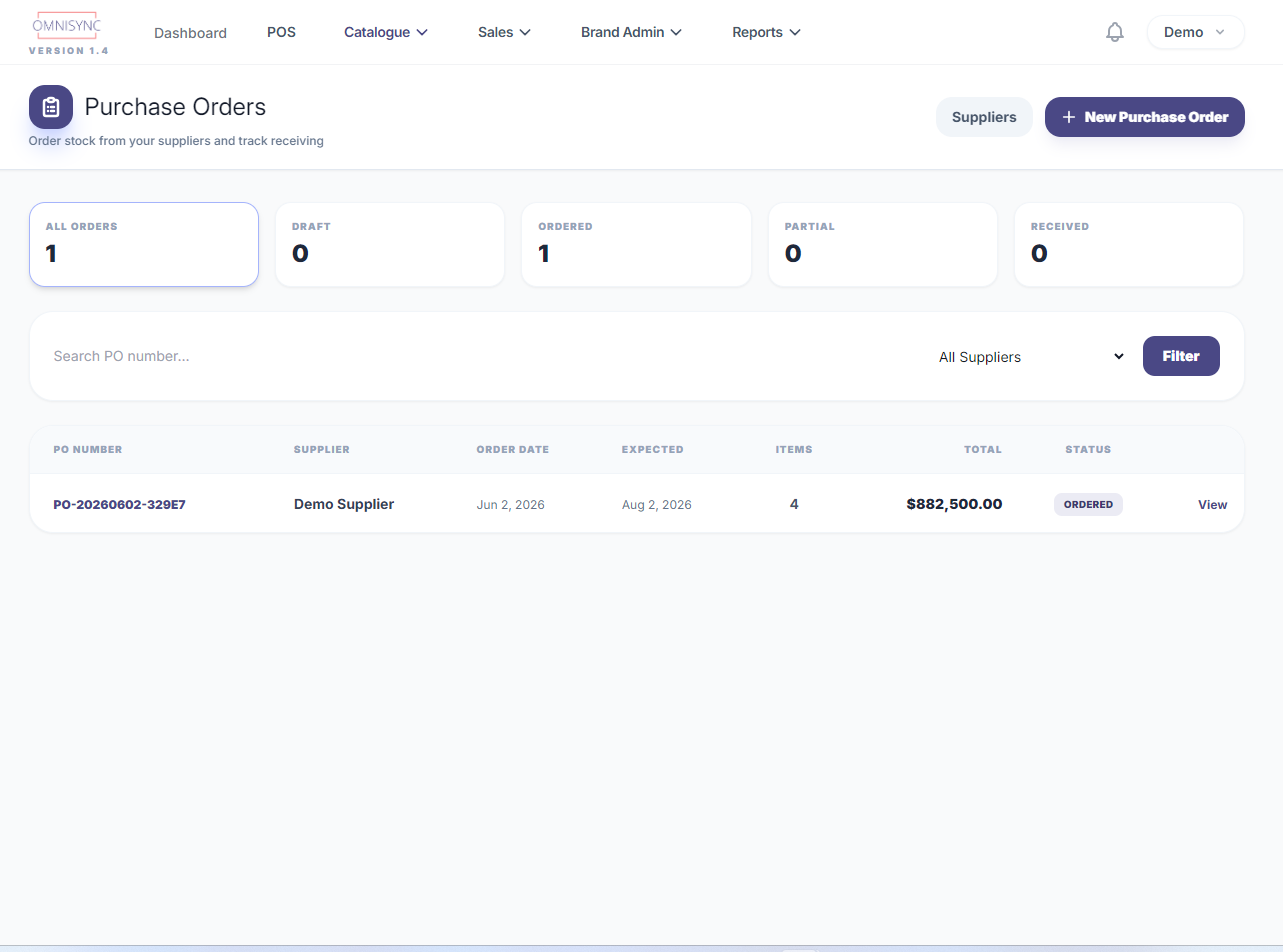
| Purchase orders | ❌ Third-party app required | ✅ Built in |
| Supplier management | ❌ No | ✅ Yes |
| Online store integration | ✅ Native (Shopify only) | ✅ Shopify + Amazon (Growth+) |
| 3rd-party processor surcharge | ❌ 0.5–2% per transaction | ✅ None |
| Customer B2B ordering portal | ❌ No | ✅ Starter plan+ |
| PDF quotations / invoices | ❌ No | ✅ Professional plan+ |
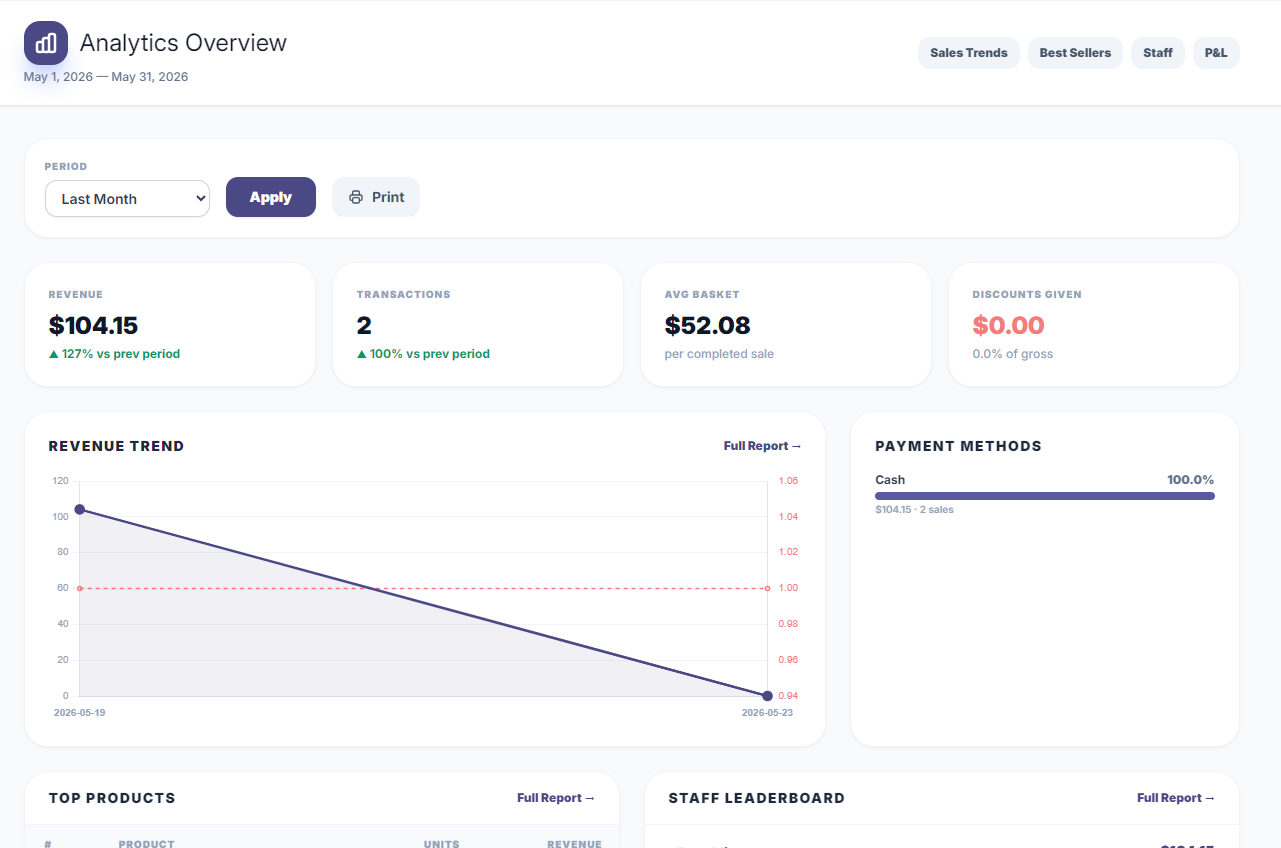
| Profit & loss report | ⚠️ Shopify plan upgrade required | ✅ Built in |
| QuickBooks sync | ⚠️ Third-party app | ✅ Growth plan+ |
| Works without a web store | ⚠️ Requires Shopify plan payment | ✅ Yes — standalone |
Who Should Choose Shopify POS?
- Businesses already on Shopify with an active online store — the integration alone justifies the cost
- Omnichannel brands where online and physical sales are roughly equal
- Retailers who prioritise demand forecasting and unified customer history across channels
- Markets where Shopify Payments is available (avoids the transaction surcharge)
Who Should Choose OMNISYNC?
- Brick-and-mortar retailers with little or no online sales
- Retailers who use WooCommerce, a custom site, or no online store
- Businesses in markets where Shopify Payments is unavailable (avoids the per-transaction surcharge)
- Retailers who need purchase orders, supplier management, and a full procurement workflow
- Wholesalers who need B2B customer ordering portals and quotation tools
The Bottom Line
Shopify POS is a logical extension of an existing Shopify online store. If that is you, the tight integration makes strong sense. But if you are not in the Shopify ecosystem — or if your core business is physical retail with physical supply chains — you are paying a significant premium for online-store features you do not need, while missing the procurement tools you do.
OMNISYNC is built for the retailer whose primary world is the shop floor, the stockroom, and the supplier relationship — not the storefront template editor.
Try OMNISYNC Free for 14 Days
Free Forever plan available with no credit card. Paid plans include a 14-day trial.
Start Free Trial →More Articles
Jun 1, 2026 · 5 min read
Square POS vs OMNISYNC (2026): Full Comparison for Retailers
Read →May 31, 2026 · 4 min read